
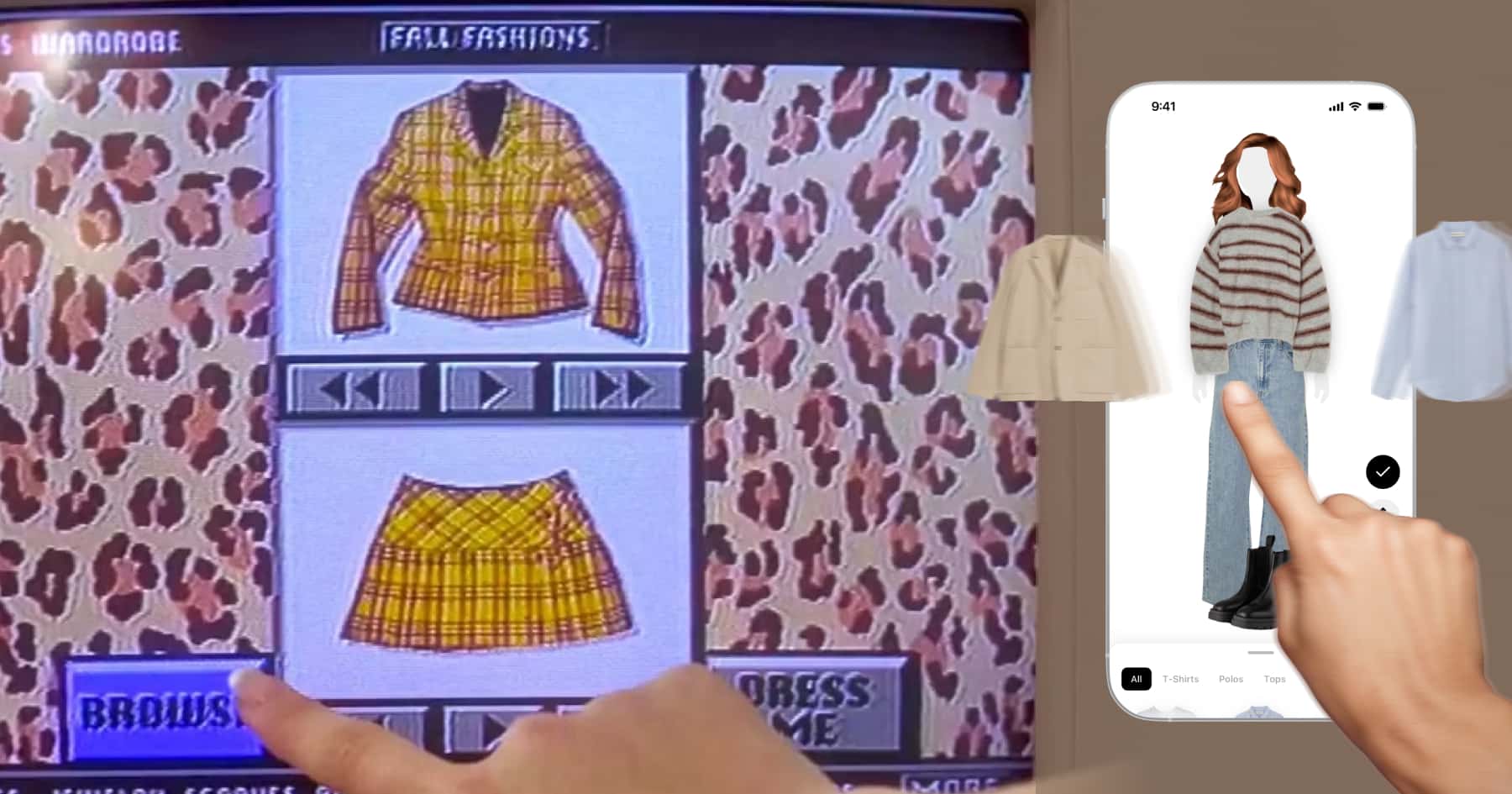
Step 1: Import your wardrobe
The Fits app has a built-in wardrobe importer that saves you hours to get your clothes set up. Trust us, we tried every option out there and this is the most stress-free. The app scans your phone’s gallery and finds all the clothes you are wearing in your various outfit pics. It extracts the clothes and builds your wardrobe in just a few minutes. Alternatively you can also take pictures of your clothes or search their online database with millions of items.
Step 2: Set up your Dressing Room
You get your own virtual avatar that you’ll use as a backdrop for the clothes. You can pick from a handfull of different hair styles and hair colors as well as 3 different body sizes for male and female body types.
Step 3: Start swiping
Finally to the fun part: Just select a layer and swipe through all the tops, bottoms, shoes, accessories and bags of your wardrobe to quickly mix and match items and try new outfit combinations. A cool pro tip: If you long-press on an item you can actually move it’s position on the body so you can adjust the piece’s size to fit perfectly on the body. It’s like playing dress up.
Step 4: Invite your friends
This is the nicest part of all. Imagine you can swipe through your friends’ closets and make outfits for them or ask them to prepare an outfit for you. It’s possible with Fits. Just connect in the app with the QR code and from your friend’s profile you can tap on the “Style them” button to make an outfit with their clothes, their hair style and body type. After you save it, they receive a notification that you made a fit for them. So you can avoid being an outfit repeater together.
Ready to build your own Clueless closet?
That's the whole tutorial. What used to need a Beverly Hills mansion and a 90s supercomputer now takes a few minutes on your phone. Import your wardrobe, set up your dressing room, start swiping and you've got Cher's closet in your pocket. And you don't have to stop at your own clothes. Get your friends in there, style each other and never repeat an outfit again.
Download Fits and make your own Clueless closet today. As if you wouldn't.


